Solo Recording
Capture mic or tab audio with a live transcript and AI research panel beside every line.
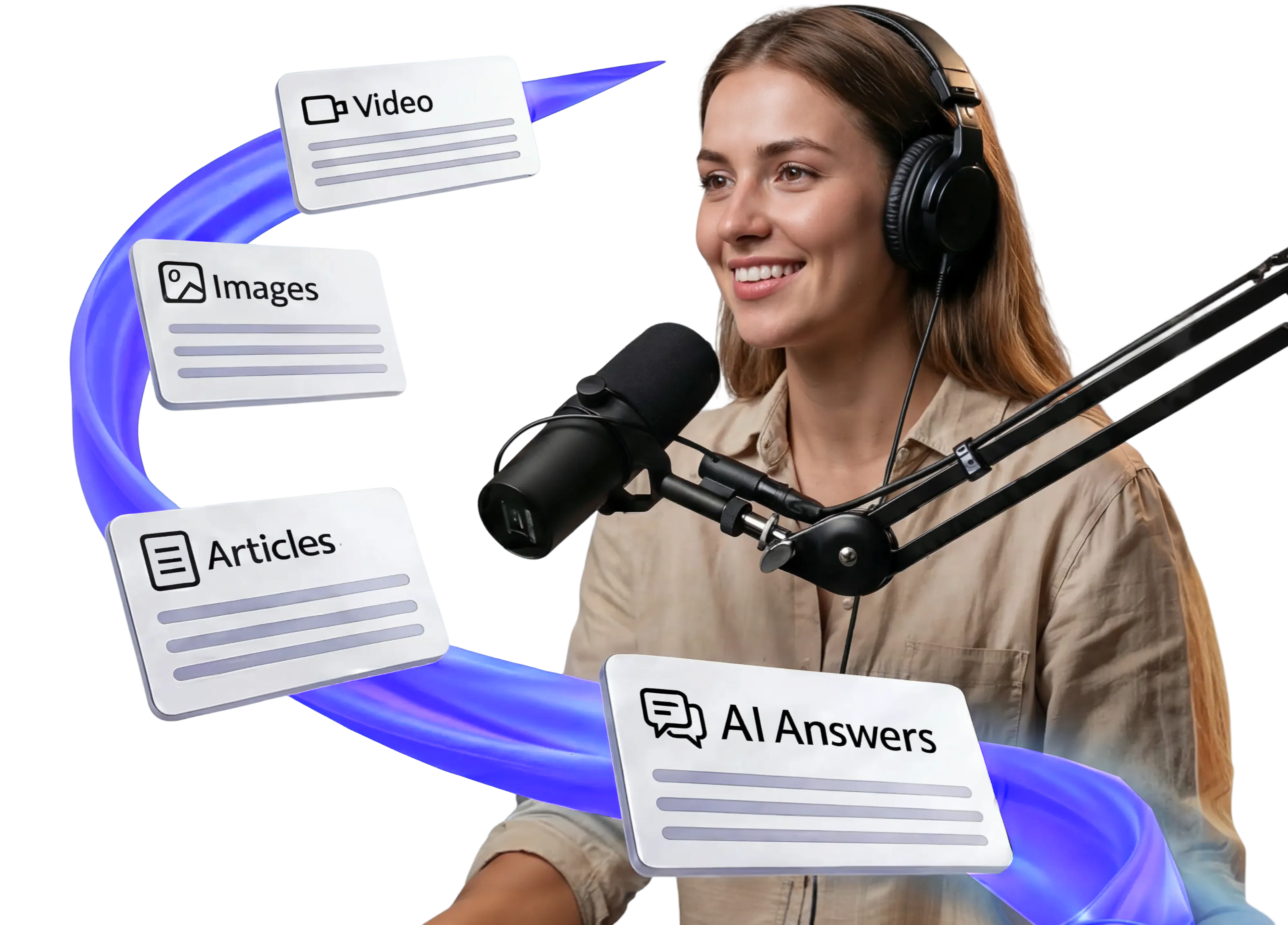
Facts, citations, and coaching surface while you record, so you never stop the conversation to look something up.
14-day trial · Ready to record from day one · No card required
"Hold on, let me look that up..."
You pause mid-sentence, scramble through tabs, and lose your momentum.
"Wait, is that actually true?"
You make a claim but can't verify it live. The doubt lingers through post-production.
"I spent more time researching than recording."
Hours of prep work before you hit record. Hours more fixing things after.
Podmod listens as you record, surfaces research and coaching on screen, then you walk away with a transcript, show notes, and downloads.
Tell Podmod about your show when you sign up, then the experience is personalized just for you.
Use Solo Recording or the multi-guest Studio. AI agents research, fact-check, find media, and suggest follow-ups, silently, as you talk.
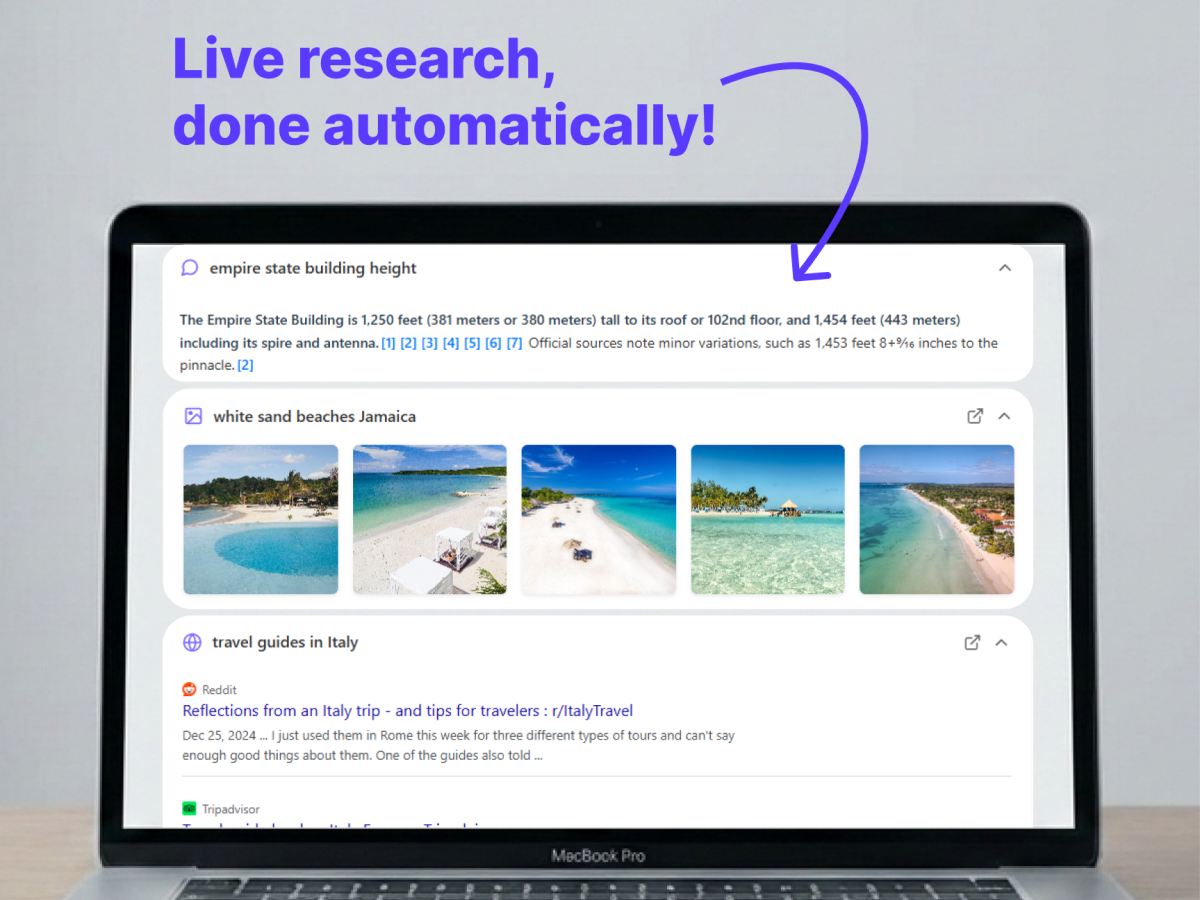
Transcript, audio, research cards, show notes, chapters, and best moments are ready when you stop, plus multi-track downloads from Studio sessions.
Nothing to download
Open a tab and record on Mac, Windows, ChromeOS, and iPad.
Never interrupts
Research cards appear on-screen only, with no audio cues or pings.
Nothing to rebuild
Transcript, show notes, chapters, and downloads. No render queue.
From live AI agents to multi-guest studio and post-session episode assets.
Capture mic or tab audio with a live transcript and AI research panel beside every line.
Invite guests, record local multi-track audio and video, share research cards, and download per-person tracks.
Research, Fact Checker, Media Finder, Producer Coach, Prep Desk, and Rundown. Toggle per session.
Upload notes, files, URLs, and guest bios so agents pull from your material when it matters.
Set custom instructions, or paste a show link and let Podmod draft producer-style guidance for your format.
Generate descriptions, show notes, chapters, and best moments, then edit and export from Session Viewer.
Draft and reorder questions; Podmod checks them off live as the conversation covers each one.
Revisit every session, rename speakers, download transcripts, audio, studio tracks, and mixdowns.
Each agent surfaces a different kind of context. Here are real podcast moments across niches.
Sources and articles for the topic you just named.
Verdicts on claims before they harden into the take.
Visual references the moment a place or dish comes up.
Clips you can cite without scrubbing YouTube mid-show.
Follow-ups and angles while the guest is still in the moment.
Pulls from your notes and guest bio when the topic hits.
Planned questions check off as the conversation covers them.
Multi-track studio capture during the session, plus show notes, chapters, and downloads when you stop.
Invite guests by link, green-room tech check, live video, local multi-track audio and video, screen share tracks, and host markers.
Guests join without an account. Tracks upload with the take; optional recap downloads if you enable sharing.
Generate episode descriptions, bulleted show notes, and chapter markers, then edit and save in Session Viewer.
AI highlights with timestamps and quotes, ready to jump back into the transcript or copy for clips.
Draft and reorder questions; auto-checkoff as the conversation covers each one during the take.
Download per-participant audio and video, plus an aligned stereo mixdown for editing.
Stop pausing mid-show to search. Research, stats, and coaching arrive as you speak.
Fewer stops, cleaner takesFact-check claims live and cite sources on the spot, before a miss makes it to air.
Corrections before they shipWalk away with transcript, cards, show notes, and chapters instead of rebuilding them from scratch.
Publish fasterA sample podcast demonstrating how Podmod delivers context as you speak.
Keep the conversation. Let Podmod handle the lookup.
Start your free trial14 days free · Cancel anytime · No card required