Building your first AI-powered podcast workflow doesn't require a massive budget or technical expertise. Modern AI tools can transform every stage of podcast production—from pre-recording research to post-production editing—turning hours of manual work into automated processes that let you focus on creating great content. This guide walks you through a complete, practical workflow using real tools that work together to streamline your entire podcasting process.
The beauty of an AI-powered workflow is that it eliminates repetitive tasks while enhancing quality and consistency. You'll spend less time on tedious editing, research, and content repurposing, and more time on what matters most: connecting with your audience and producing compelling episodes.
Pre-Recording: Research and Planning
Before you hit record, AI can help you prepare smarter and faster. Start by using ChatGPT or Claude AI to generate episode ideas, outline talking points, and create interview questions tailored to your guest or topic. Simply provide context about your show's format and audience, and these AI assistants will deliver structured outlines that keep your conversation focused.
For guest research, feed publicly available information about your guest into an AI tool to generate background summaries, recent work highlights, and thoughtful questions. This preparation takes minutes instead of hours and ensures you're ready for a substantive conversation.
During Recording: Real-Time AI Assistance
The recording phase is where Podmod AI transforms your workflow by acting as a live research assistant during your session. Unlike traditional tools that only help after you've finished recording, Podmod listens to your conversation in real time, detects key topics and questions automatically, and instantly delivers relevant facts, statistics, articles, images, and citations without interrupting your flow.
As you mention a topic—whether it's a sports statistic, a company's stock price, or a scientific study—Podmod surfaces content cards with sourced information you can reference immediately. This eliminates awkward pauses for fact-checking, reduces post-production corrections, and helps you deliver more accurate, credible content from the start. The tool also generates a searchable transcript and topic timeline as you record, making it easy to navigate your conversation later.
Personalizing Your AI Assistant
Podmod's Agent Personalization feature lets you customize exactly what type of information appears during your recordings. For example, a finance podcaster might instruct the AI: "When I mention a company, show latest news, revenue trends, and stock prices," while a health podcast might request: "When I mention a supplement, provide nutritional benefits and peer-reviewed research". This ensures every content card delivered is specifically tailored to your show's format and audience needs.
Post-Recording: Editing and Production
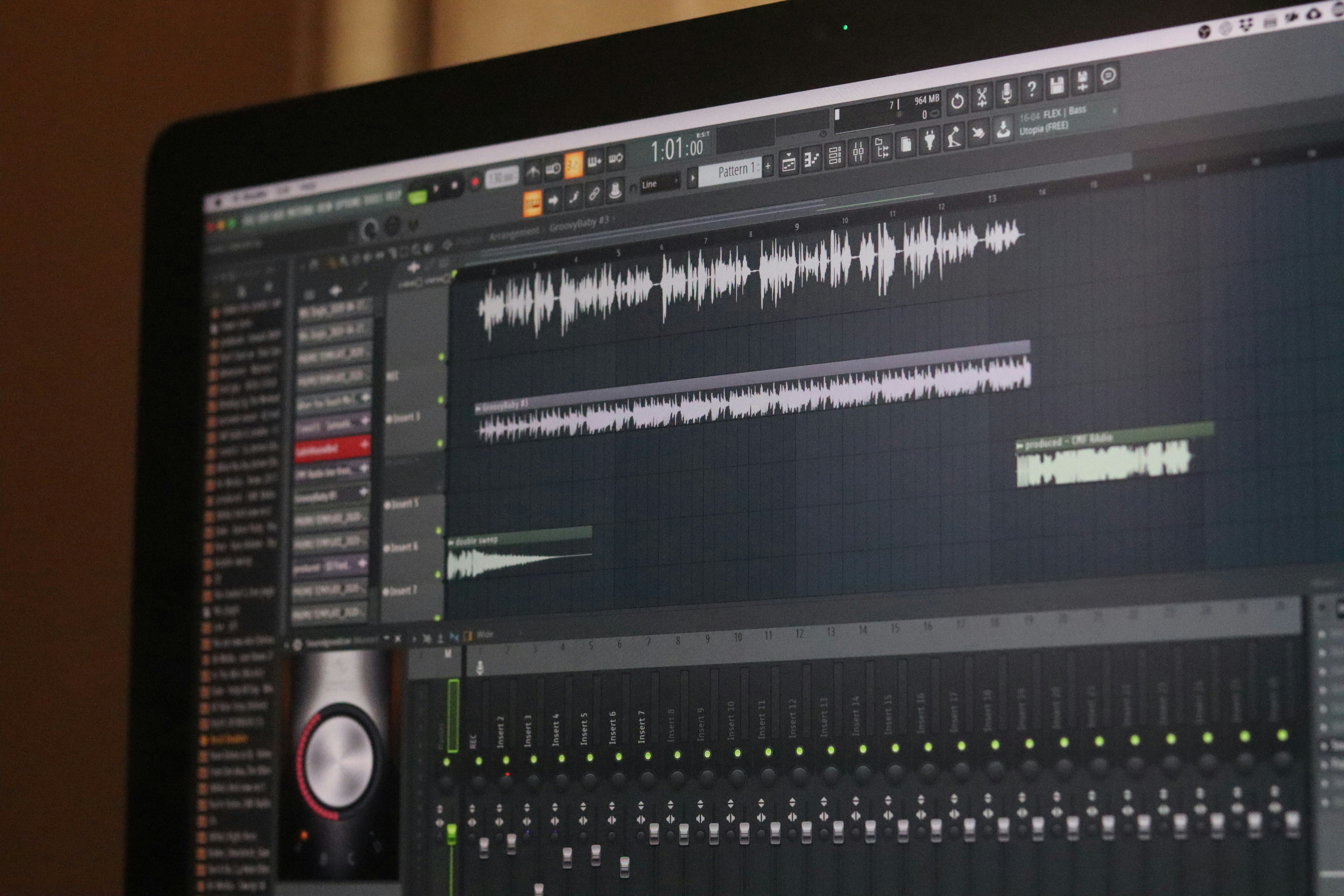
After recording, AI-powered editing tools drastically reduce production time. AI-powered editors offer text-based editing where you edit your podcast by editing the transcript—deleting filler words, removing silences, and cutting mistakes becomes as simple as editing a document. Many platforms also include AI features like studio sound enhancement and automatic filler word removal.
For podcasters who want an AI assistant specifically designed for post-production tasks, the Podcast Post Production GPT can help generate show notes, create social media content, write episode descriptions, and suggest clip ideas based on your transcript. This custom GPT understands podcast-specific needs and can save hours of post-production work.
For video podcasts, some platforms include AI features that automatically identify the most engaging moments from your episode and create ready-to-share social media clips. This eliminates hours spent manually reviewing footage to find shareable moments.
Download your recording assets from Podmod—including the full transcript, audio files, and all research cards captured during the session—so you have everything organized in one place for editing and show notes.
Content Repurposing: Turning One Episode into Multiple Assets
Once your episode is edited, AI can multiply your content's reach. Take your transcript and feed it into Claude AI or ChatGPT with a detailed prompt that instructs the AI to generate show notes, social media posts, email subject lines, blog summaries, and episode descriptions. By training an AI assistant on your brand voice and providing clear templates, you can produce consistent, on-brand content in minutes.
AI-powered repurposing tools automate the entire pipeline, turning a single episode into multiple formats including short-form vertical videos, SEO-optimized blog articles, social highlights, and even multilingual content. This level of automation is particularly valuable for podcasters managing multiple shows or publishing frequently.
Podmod's Card Archive makes repurposing even easier by organizing every research card, fact, and source from your recording session into a searchable library you can reference when writing show notes or creating supplementary content.
Automation: Connecting Your Workflow
To tie everything together, use automation platforms like Zapier to create seamless connections between your tools. For example, you can automatically send your Podmod transcript to your editing software, then trigger ChatGPT to generate show notes once editing is complete. These automated workflows reduce manual steps and ensure nothing falls through the cracks.
TextExpander saves time on repetitive communications by creating snippets for common messages—like guest follow-ups, episode launch announcements, or sponsor copy—that you can insert with a few keystrokes. Similarly, Calendly integrates with your recording platform to automate guest scheduling and send automated reminders with recording links.
Building Your Own AI Workflow
The specific tools you choose matter less than building a system that works consistently for your show. Start by identifying your biggest pain points—whether that's research, editing, or content distribution—and introduce one AI tool at a time to address each challenge. As you get comfortable, layer in automation to connect your tools and eliminate manual handoffs.
Podmod AI fits naturally into this workflow as the real-time intelligence layer during recording, ensuring your conversations are better informed and your episodes require less post-production cleanup. When combined with editing tools and content generation platforms like ChatGPT or the Podcast Post Production GPT, you create a complete end-to-end system that handles everything from pre-production through distribution.
Conclusion
An AI-powered podcast workflow transforms how you create, edit, and distribute content by automating repetitive tasks and enhancing quality at every stage. By integrating tools like Podmod AI for real-time research, AI-powered editors for post-production, and ChatGPT or specialized GPTs for content generation, you can reduce production time dramatically while improving consistency and accuracy. The key is starting simple, automating one process at a time, and building a system that scales with your ambitions.
Next Steps
Ready to experience real-time AI assistance in your podcast workflow? Try Podmod AI free and see how live research, fact-checking, and content delivery can transform your recording sessions. Sign up at app.podmod.ai and start creating smarter episodes today.